 Robin Baby
Nara Baby Alternative: Import Your History into Robin Baby
Looking for a free Nara Baby alternative? Learn how to export Nara Baby data, import it into Robin Baby, and keep tracking with a free plan.
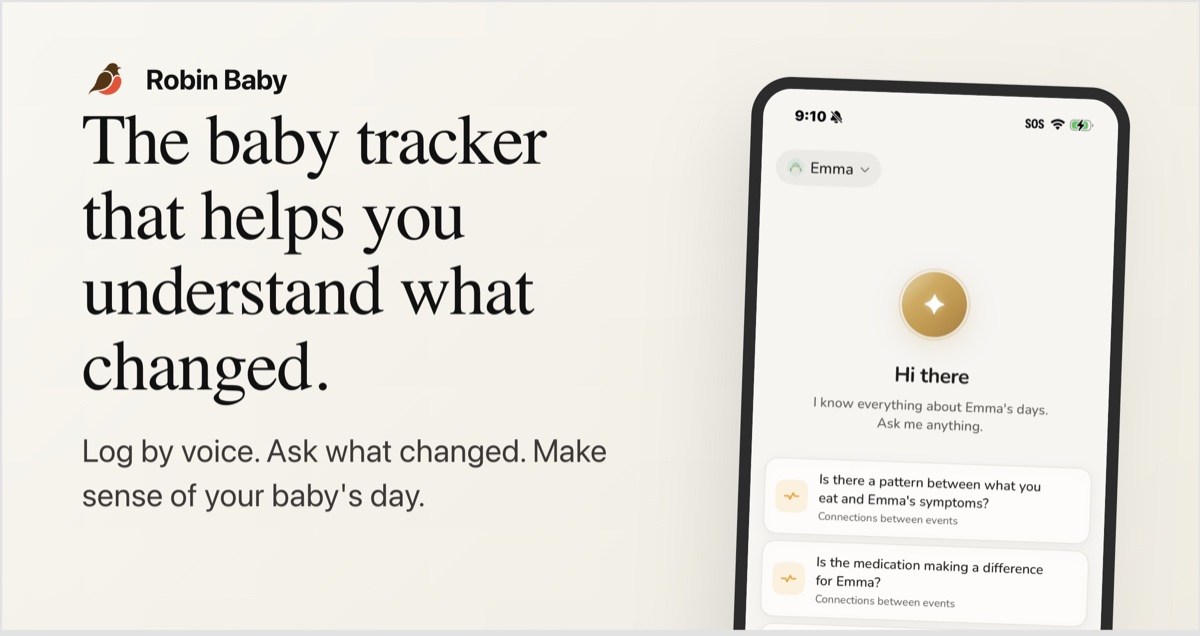
Robin Baby is a Nara Baby alternative with free manual tracking, CSV imports, and sharing with up to three caregivers. You can export your child’s history from Nara Baby and bring the file into Robin Baby’s import flow. Robin reads the file, maps its columns to activities, and lets you review the recognized events before adding them to your timeline.
If you’ve spent months recording feeds, diapers, and naps, starting again can feel like the hardest part of changing apps. Those entries are the record of your baby’s first weeks, the handoff between you and your partner, and the answer to “when was the last bottle?”
You shouldn’t have to retype that history to try a different tracker.
We’re the parents behind Robin Baby. This guide explains what our app offers, what’s free, and how to move your tracking history over.
Is Nara Baby becoming a paid app?
Yes. Nara’s current FAQ describes monthly and lifetime paid plans. It also says that families who don’t subscribe after the trial can still view and export existing records, but cannot add new tracking entries. Check your own account for the terms and offers that apply to your family. Source: Nara Baby’s official FAQ.
If that change has you searching for a free Nara Baby alternative, there are two things to check before switching: whether the new app’s free plan covers your daily routine, and whether you can bring your existing records with you.
Why consider Robin Baby as a Nara Baby alternative?
Robin Baby combines everyday baby tracking with an import flow for the history you’ve already collected. You can continue logging manually on the free plan, then choose Premium if you want voice logging or help finding answers in your logs.
Bring your history into the new app
Robin reads CSV exports from other baby trackers and works out how the file’s columns correspond to events. Before you confirm, the import preview shows the activities it recognized and the events ready to import.
That preview matters: you can check what will arrive in Robin before it becomes part of your baby’s timeline. You can also undo an import from Settings → Import History.
See Robin Baby’s import feature.
Keep everyday tracking free
Robin Baby’s free plan includes:
- Unlimited manual logging for your baby’s daily activities.
- Import from other trackers, so you can bring existing records.
- CSV export, so you can take your records with you again.
- Sharing with up to three caregivers, keeping your family on one timeline.
- Seven-day insights to review recent activity.
- Reminders for your routine.
You don’t need a paid subscription to keep manually tracking after the Premium trial ends. See the current free and Premium plans.
Share the day with the people caring for your baby
When your partner takes over, they need to know what happened, without a recap from a tired parent. Robin Baby gives caregivers a shared timeline, and entries show who logged them. The free plan supports up to three caregivers; Premium includes unlimited caregiver sharing.
Add faster logging and deeper answers if you want them
Robin Baby Premium includes voice logging, scanning daycare notes into events, and Robin, the AI assistant that answers questions using your baby’s recorded history. You can ask questions such as “How much did my baby sleep yesterday?” without manually adding up entries.
Premium also includes personalized sleep predictions and a day schedule, doctor summaries, widgets, Live Activities, and longer insight ranges. Sleep predictions are a Premium feature for new families.
New accounts get seven days of Premium without a credit card. After that, the free plan remains available unless you choose to upgrade.
How to export Nara Baby data and import it into Robin Baby
The transfer has three parts: export a file from Nara, review it in Robin, and confirm the import. Keep your original export as a backup while you check the result.
1. Export your child’s data from Nara Baby
In Nara Baby, open the Activity screen, tap the avatar beside your child’s name, and select Export Data. Save the CSV export somewhere you can access it when choosing a file in Robin Baby. Nara documents this export route in its official help page.
2. Open Robin Baby and choose your export file
Download Robin Baby for iPhone or Android, set up your family and child, and open the import flow. Select the CSV file you saved from Nara Baby.
Robin analyzes the file and maps the columns to activities for your timeline. You don’t need to manually re-enter each recognized event.
3. Review the import preview
Before confirming, check the recognized activity types, the date range, and the number of events ready to import. Compare the preview with the history you expect to bring over.
What transfers depends on what the export contains and what Robin recognizes. Don’t assume that attachments, every note, or every field from another app will transfer just because the file was accepted. If the preview doesn’t match your expectations, contact Robin Baby support before continuing.
4. Confirm, then check your timeline
Confirm the import when the preview looks right. Check a few older and recent entries against your original records, including dates, times, and amounts where relevant.
If you need to reverse the import, use Settings → Import History. Avoid importing the same file repeatedly: repeat imports can create duplicate entries. Keep your Nara export until you’re satisfied with the transfer.
5. Invite your caregivers
In Robin Baby, go to Profile → Family → Invite caregiver to bring your partner or other caregivers onto the shared timeline. Let everyone know when you’re switching daily logging to Robin so your new entries stay together.
Questions about switching from Nara Baby
What is a free alternative to Nara Baby?
Robin Baby offers a free plan with unlimited manual logging, seven-day insights, reminders, CSV import and export, and sharing with up to three caregivers. Optional Premium features include voice logging, the AI assistant, and personalized sleep predictions.
Can I import Nara Baby data into another baby tracker?
Yes. Export your Nara Baby records as a CSV file, then use Robin Baby’s import flow to read the file and preview recognized activities. Review the preview before confirming which events will be added to your timeline.
Do I need Robin Baby Premium to import my history?
No. Importing from another tracker is included in Robin Baby’s free plan. You can bring your history over and continue manual tracking without paying for Premium.
Will all my Nara Baby data transfer?
The import preview shows what Robin recognizes in your export. Check it before confirming, then compare your imported timeline with the original records. Keep the source CSV as a backup; a CSV import is not a guarantee that every field or attachment from the original app transfers.
Can I undo an import?
Yes. Robin Baby lets you undo an import from Settings → Import History. If you need to retry a file, undo the earlier import first to avoid adding the same entries again.
Does Robin Baby work on iPhone and Android?
Yes. Robin Baby is available on the App Store and Google Play. You can download the app, try the import flow, and review your history before moving your family’s daily tracking over.
Keep the history. Make the next day easier.
The best Nara Baby alternative for your family is one that fits the way you already care for your baby. If you want free everyday logging, a shared timeline, and a way to bring your existing records with you, start with Robin Baby’s import flow.
Download Robin Baby for iPhone or get Robin Baby for Android. Export your history, review the import, and keep tracking from there.
Tracking your baby's day with Robin?
Robin Baby is the voice-first baby tracker that remembers everything — feeds, sleep, growth, milestones. Free sleep forecast, free caregiver sync.

